
Displays & signage

Interactive screens for schools, meeting rooms and training

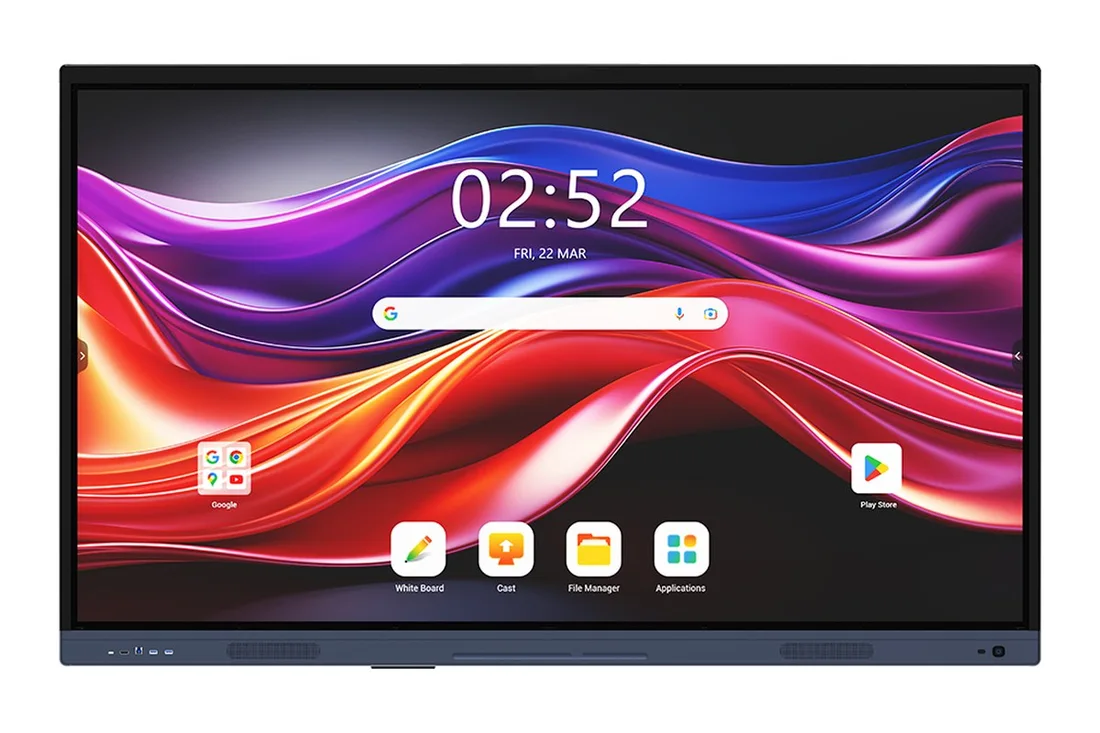
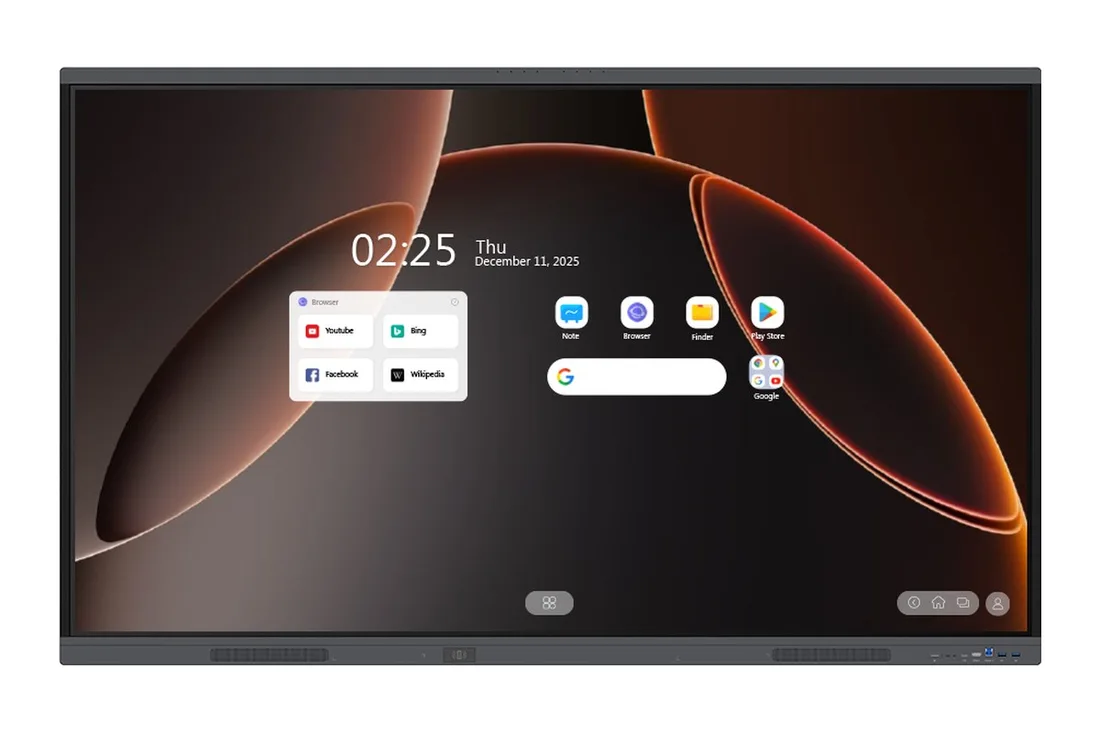
An interactive screen combines the whiteboard, the projector and the display in one device. Write on it with a pen or finger, show content from a laptop or phone, and share the lesson or presentation with everyone in the room.

Plan your project
Interactive screensMASSAR / CONNECTED SOLUTIONS
Site visit before quotationSupply, installation & commissioningSupport as agreed

We start with a site visit. We measure the room, ask how many people use it and how, then recommend the right size and type and send a clear quotation with specifications and mounting details.

Interactive screens suit every school level, meeting rooms that need presenting, sharing and writing on screen, and workshops and training courses.

Suitable for: schools • meeting rooms • training centres

Available products

Types

Classroom screens

Large panels with multi-touch and writing and teaching software, for different school levels.

Meeting-room screens

For presentations, video calls and collaborating on the screen itself.

Training-centre screens

For workshops and courses, with screen sharing from more than one device.

Mobile stands and wall mounting

Fix the screen to the wall, or place it on a wheeled stand to move between rooms.

What we define with you

SizeCommonly 55 to 98 inches and above, depending on the model
ResolutionUsually 4K on current models
TouchMulti-touch; the number of touch points varies by model
Operating systemBuilt-in Android, or run from an external computer or built-in module, depending on the model
ConnectivityHDMI, USB, Wi-Fi and more, depending on the model
MountingWall mount or mobile stand

Specifications vary by model. We confirm the exact specifications in your quotation.

What we consider when choosing

  • Size, based on the room area and the distance of the farthest seat.
  • Lighting and the screen position relative to windows.
  • The software you will use for writing, teaching and presenting.
  • Existing devices that will connect to the screen.
  • Wall mounting or a mobile stand.

Frequently asked questions

What size is right for a classroom?

It depends on the room area and how far the last student sits from the screen. We decide this during the site visit; the larger the room, the larger the screen.

Does an interactive screen need a computer?

Not always. Some models run built-in Android, and others connect to an external computer or a computing module. We recommend what fits your use.

How long does installation take?

It depends on the number of screens and the location. We state the time in the quotation after the site visit.

Can I order many screens for several classrooms?

Yes. Send us your requirement and we prepare a quotation with quantities.

How do I request a quotation?

Press “Request a quote” or message us on WhatsApp and we arrange a site visit.

YOUR NEXT CONNECTION

Great spaces start
with a conversation.

Tell us what you’re building. We’ll help connect the right technology, from the first site visit to the final installation.

0562050504 info@massarlinks.aeServing all seven emirates, with enquiries welcome from the GCC and Africa.

This prepares your enquiry in WhatsApp. Review it there before sending.

Find your next connection