Displays & signage

Self-service, wayfinding and ordering kiosks

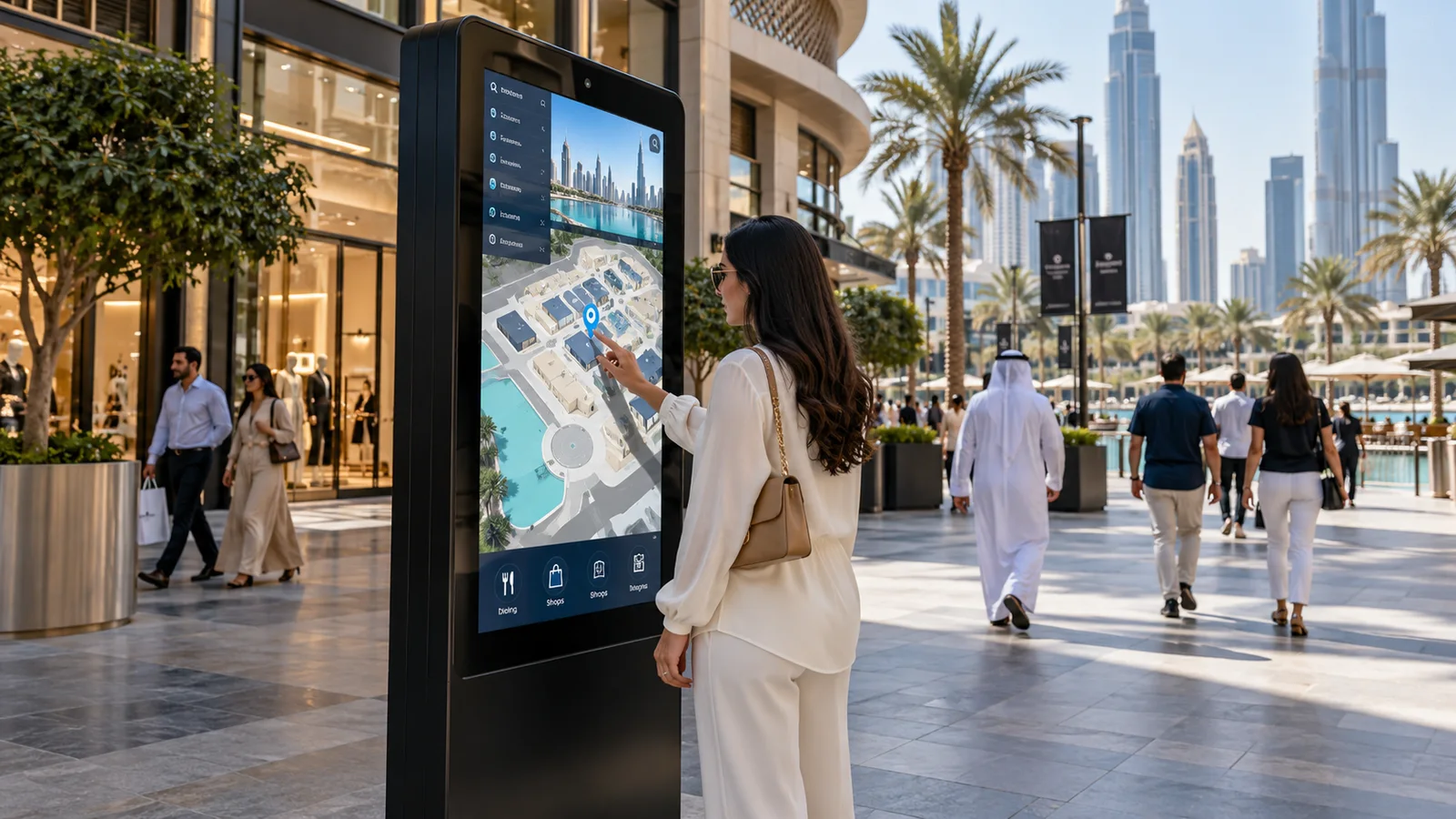
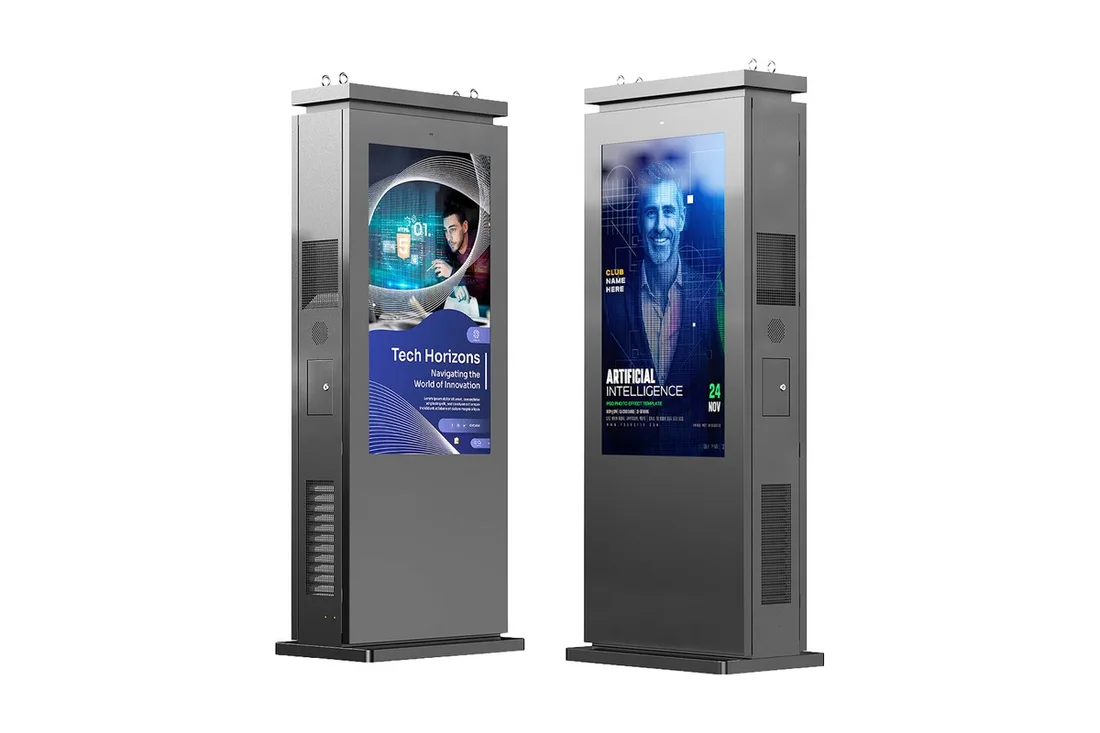
A kiosk is a touch screen built into a floor-standing, wall-mounted or counter-top unit that serves visitors without staff: they check in, order, find a place or complete a transaction themselves.

Plan your project
Digital kiosksMASSAR / CONNECTED SOLUTIONS
Site visit before quotationSupply, installation & commissioningSupport as agreed

We start with a simple question: what will the visitor do at the kiosk? Based on your answer we decide the size, design, accessories and software, then send a clear quotation after the site visit.

Kiosks are used in hotels, offices, restaurants, exhibitions and government service centres, where they shorten queues and help visitors reach what they need.

Suitable for: hotels • government entities • offices • restaurants • exhibitions

Available products

Types

Wayfinding kiosk

A guide to the building, departments and offices that directs visitors to their destination.

Check-in and reception kiosk

Registers visitors and staff and prints an entry pass, in hotels, offices and events.

Ordering kiosk

For restaurants and cafés: customers choose and order by themselves.

Self-service kiosk

For transactions and enquiries in service centres.

Information kiosk

For exhibitions, malls and educational institutions.

What we define with you

Screen sizeCommonly about 15 to 55 inches, depending on the model
EnclosureFloor-standing, counter-top or wall-mounted
Optional accessoriesReceipt printer, barcode or QR reader, card reader, camera, depending on use
User interfaceDefined by the project; can support Arabic and English
ConnectivityNetwork or Wi-Fi, depending on the location

Accessories and software depend on your project, and we confirm them in the quotation.

What we consider when choosing

  • The kiosk's main task and who will use it.
  • Location: indoor or outdoor, and distance from power and network.
  • Systems it must connect to (booking, point of sale, visitor management).
  • Interface languages and ease of use for everyone.
  • Accessories needed, such as printing or card reading.

Frequently asked questions

What is the difference between a kiosk and a digital sign?

A kiosk is interactive: the visitor touches it and completes a task. A digital sign only displays content.

Does a kiosk support Arabic and English?

The kiosk interface is designed per project and can support more than one language.

Can a kiosk take payments?

Payment units and a printer can be added depending on use, and the details depend on your payment system and the rules of the operating entity.

Where can a kiosk be installed?

In entrances, lobbies, exhibitions, restaurants and service centres, depending on the kiosk type and enclosure.

How do I request a quotation?

Press “Request a quote” or message us on WhatsApp and we arrange a site visit.

YOUR NEXT CONNECTION

Great spaces start
with a conversation.

Tell us what you’re building. We’ll help connect the right technology, from the first site visit to the final installation.

0562050504 info@massarlinks.aeServing all seven emirates, with enquiries welcome from the GCC and Africa.

This prepares your enquiry in WhatsApp. Review it there before sending.

Find your next connection